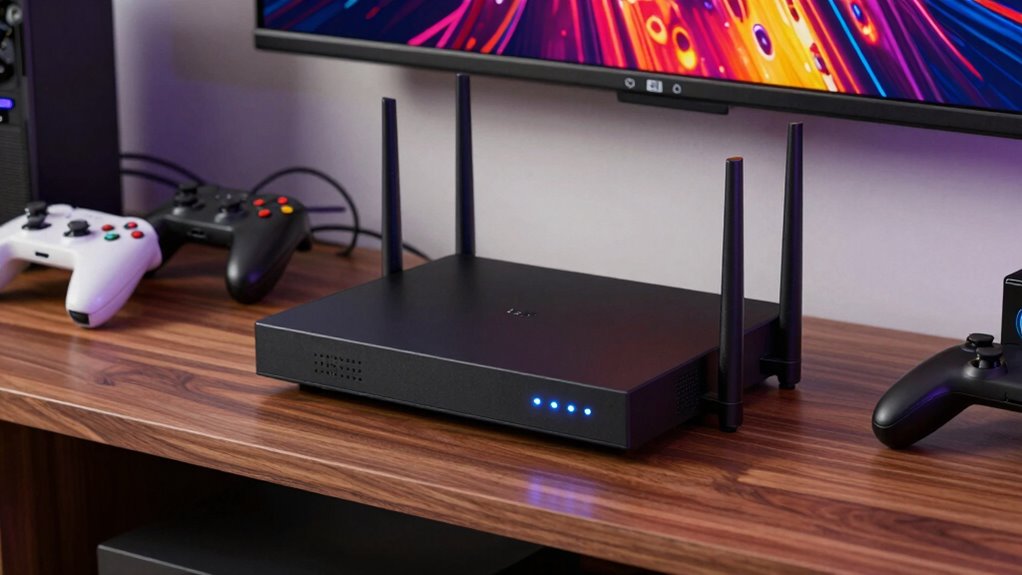

Upgrading to a modern, high-performance router can quietly fix your frustrating game room by reducing lag, boosting signal strength, and improving overall stability. Newer routers with advanced features like beamforming and dual or tri-band capabilities direct signals more efficiently, minimizing interference and dead zones. They also offer better security to protect your connection from cyber threats. If you want to learn how these upgrades can transform your gaming setup, keep exploring the options that fit your needs.

Get the latest gadgets delivered free with Prime
- Fast, free delivery on millions of items
- Prime Video, Amazon Music and more included
- Member-only deals all year
Key Takeaways
- Upgrading to a modern, dual- or tri-band router reduces interference and congestion, ensuring smoother gameplay.
- Advanced routers with beamforming direct signals to devices, improving range and maintaining stable connections.
- New routers offer enhanced security features like WPA3, preventing bandwidth theft and cyber threats during gaming.
- Higher-performance routers handle multiple devices efficiently, minimizing lag caused by network overload.
- Firmware updates and built-in firewalls boost overall network stability and security, creating a quieter, frustration-free game room.
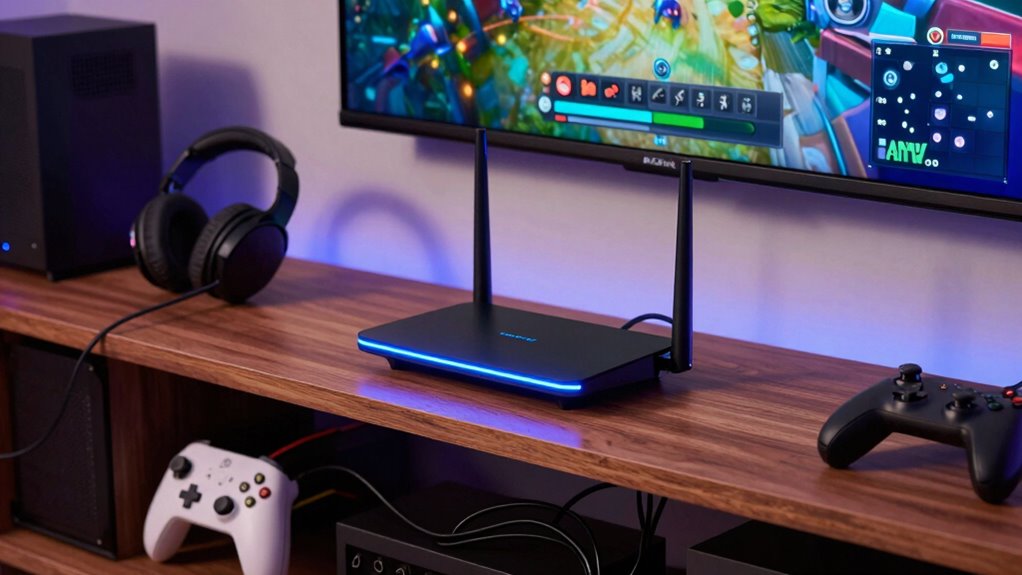
If you’re serious about gaming, upgrading your router can considerably improve your experience. A reliable, fast connection means fewer lag spikes, smoother gameplay, and less frustration during those critical moments. One of the most overlooked issues that can sap your gaming performance is wireless interference. Many households have multiple devices—microwaves, cordless phones, Bluetooth gadgets—that operate on similar frequencies as your Wi-Fi. These signals can cause interference, weakening your connection and increasing lag. Upgrading to a modern router that supports dual-band or tri-band technology allows you to switch to less congested channels, reducing interference notably. This is especially true when you select a router with advanced technology, which is designed to handle multiple signals more efficiently. This can make a noticeable difference in your gaming quality, especially if you share your network with other devices.
Beyond interference, network security plays an essential role in a proper gaming setup. An outdated or poorly secured router leaves your network vulnerable to intruders who can slow down your bandwidth or even hijack your connection. With cyber threats constantly evolving, securing your network is crucial to maintain consistent, high-quality gaming. When you upgrade your router, choose one with robust security features like WPA3 encryption, a built-in firewall, and automatic firmware updates. These features help protect your network from unauthorized access, ensuring that your gaming sessions aren’t interrupted by malicious activity or bandwidth theft. Plus, a secure network prevents your personal data from being compromised, giving you peace of mind during those long gaming marathons. Incorporating security features into your upgrade can further defend against potential vulnerabilities.
Another benefit of upgrading your router is the improved range and signal strength. Older models often struggle to reach every corner of your gaming room, especially if it’s large or has thick walls. A newer router with multiple antennas and beamforming technology directs the signal toward your devices, reducing dead zones and ensuring you get a steady connection wherever you game. This can be especially beneficial if your gaming setup involves multiple devices, like a PC, console, and VR gear, all connected simultaneously. Additionally, choosing a router with advanced technology can help mitigate issues related to interference from multiple devices, enhancing your overall gaming experience. Improving your network’s overall performance and security can also prevent disruptions caused by network vulnerabilities, which are often overlooked but critical to a seamless gaming session. Upgrading your router with these features ensures a more stable connection, reducing frustration and boosting your gaming confidence.
As an affiliate, we earn on qualifying purchases.
Frequently Asked Questions
How Do I Know if My Current Router Needs Upgrading?
If your current router feels slow or your signal drops frequently, it’s time for an upgrade. Check your router speed using online tests; if it’s below what your internet plan offers, you’re likely due for a new one. Also, assess signal strength throughout your space—weak spots mean your router may no longer be effective. Upgrading guarantees better speed, stronger signal, and smoother gaming or browsing experiences.
What Is the Best Router for Multiple Gaming Devices?
A good router for multiple gaming devices is like a conductor guiding an orchestra—smooth and coordinated. Look for one with high wireless speed and robust device compatibility to handle the demands of several gaming gadgets simultaneously. The Asus RT-AX88U or Netgear Nighthawk AX12 are top choices, offering fast connections and seamless performance. This way, you won’t miss a beat during intense gaming sessions, keeping everyone connected and competitive.
Can a Router Upgrade Improve Overall Home Wi-Fi Coverage?
Upgrading your router can definitely improve your overall home Wi-Fi coverage. A new router with better range and faster speeds will extend your network’s reach, making certain every room stays connected. Plus, modern routers often include smart home integration and parental controls, helping you manage devices and keep your family safe. This upgrade guarantees a smoother, more reliable connection throughout your entire home, reducing dead spots and lag issues.
How Long Does It Typically Take to Upgrade a Router?
Upgrading your router usually takes about 15 to 30 minutes, much like a quick quest in a familiar game. You’ll need to connect it, update settings, and customize features like network security and parental controls. While the process is straightforward, make certain your devices are backed up beforehand. Think of it as upgrading your gear for smoother gameplay—simple, efficient, and well worth the effort for better Wi-Fi performance.
Are There Specific Features to Look for in a Gaming Router?
When choosing a gaming router, look for features like low gaming latency, which reduces lag, and guarantee router compatibility with your devices. Prioritize routers with Quality of Service (QoS) settings to prioritize gaming traffic, and check for dual-band support to avoid interference. These features help you achieve smoother gameplay, minimize disconnects, and enhance your overall gaming experience. Make sure it’s compatible with your internet plan for seamless performance.
dual band Wi-Fi router with beamforming
As an affiliate, we earn on qualifying purchases.
As an affiliate, we earn on qualifying purchases.
Conclusion
Upgrading your router is like giving your game room a secret weapon—suddenly, everything runs smoother, and lag becomes a thing of the past. I once watched a friend improve his setup with a new router, and his frustration vanished almost instantly, like a fog lifting. Remember, the right upgrade doesn’t just fix issues; it transforms your entire experience. Sometimes, a small change can be the key to revealing legendary gaming sessions.
tri-band Wi-Fi router for gaming
As an affiliate, we earn on qualifying purchases.
As an affiliate, we earn on qualifying purchases.
As an affiliate, we earn on qualifying purchases.
Halloween Picks
halloween
As an affiliate, we earn on qualifying purchases.