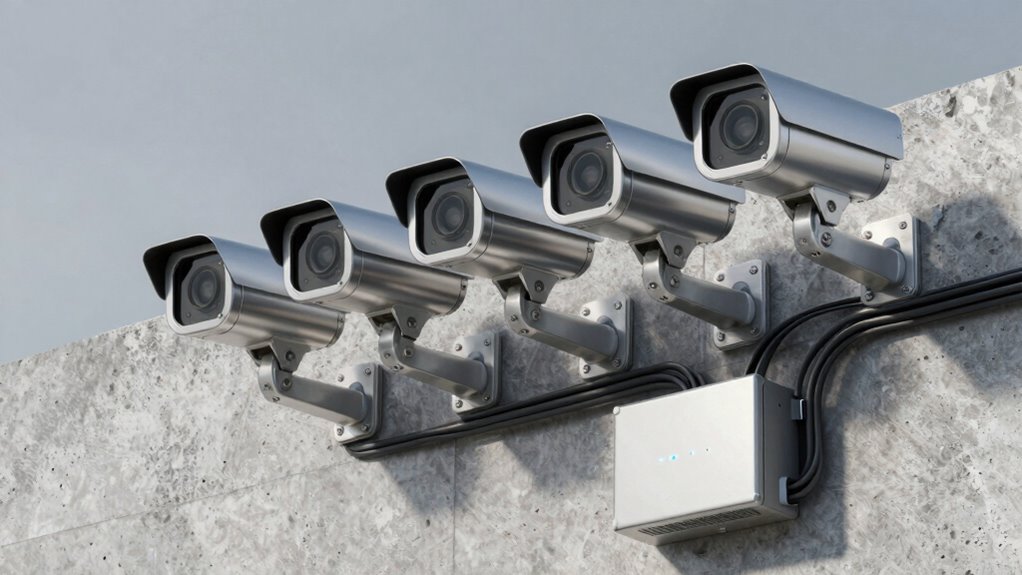

Security camera systems seem simple until you consider storage. You need to decide where to save footage—local drives, cloud, or both—each with pros and cons. Factors like capacity, security, ongoing costs, and remote access complicate choices. Proper storage guarantees footage is accessible, safe, and reliable when you need it. If you want a clearer understanding of these options and how to pick the right setup, there’s more to explore that can help you make informed decisions.

Get the latest gadgets delivered free with Prime
- Fast, free delivery on millions of items
- Prime Video, Amazon Music and more included
- Member-only deals all year
Key Takeaways
- Storage choices add complexity by balancing cost, security, capacity, and accessibility.
- Local storage offers control but risks hardware failure or theft, while cloud storage mitigates these risks.
- Proper planning ensures footage is reliably stored and easily retrievable for both immediate and long-term needs.
- Hybrid systems combine local and cloud storage for optimal security, redundancy, and remote access.
- Security protocols like encryption are essential to protect stored footage from unauthorized access.
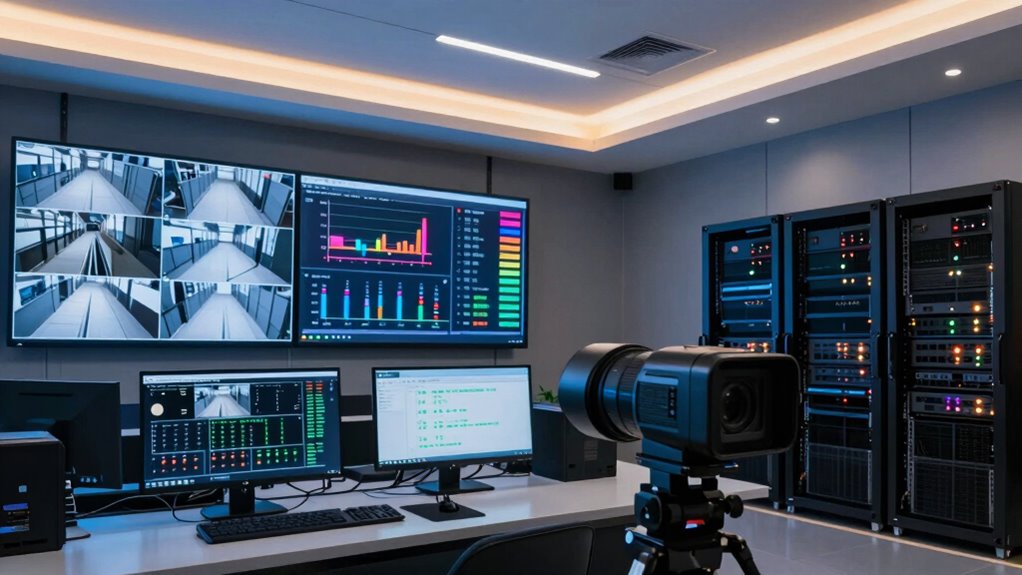
When it comes to security camera systems, having reliable storage is essential to guarantee footage is preserved and accessible when needed. Without proper storage, even the best cameras can become useless if you can’t retrieve or review footage quickly. This is where the importance of choosing the right storage solution becomes clear. You want options that not only hold your recordings securely but also allow for easy access, whether you’re onsite or miles away. Remote access is a game-changer here, letting you view live feeds or past recordings from your phone, tablet, or computer anytime, anywhere. It provides peace of mind because you don’t need to be physically present to check on your property.
Reliable storage ensures your security footage is always accessible and protected, no matter where you are.
Cloud integration takes this convenience even further. Instead of relying solely on local storage devices like DVRs or NVRs, cloud-based solutions automatically upload footage to secure servers. This setup reduces the risk of losing recordings due to theft, damage, or hardware failure. Plus, cloud storage often scales with your needs—you can start small and expand as your security demands grow. It’s a flexible approach that adapts to your situation, whether you’re running a small business or managing a large property. Cloud integration also simplifies management; you don’t have to worry about maintaining or upgrading physical storage devices, as those responsibilities shift to the provider. The result is a streamlined system that’s easier to keep secure and up-to-date. Additionally, understanding the storage capacity and how it relates to your footage needs can help you make more informed decisions, especially as video quality and recording duration vary.
Furthermore, considering storage protocols for your devices can greatly enhance data security and compliance with privacy standards. However, understanding the trade-offs is key. Cloud storage typically involves ongoing costs, so you need to weigh that against local options, which might have higher upfront expenses but no recurring fees. Local storage solutions, like large-capacity hard drives, give you control over your footage without ongoing costs, but they can be vulnerable if a burglar targets your physical equipment or if hardware fails. That’s why many security setups now combine both approaches—using local storage for quick access and cloud integration for backup and remote viewing. This hybrid model ensures your footage remains safe, accessible, and protected against various risks. Moreover, considering security protocols for storage devices is crucial to prevent unauthorized access and ensure data integrity. Proper encryption and access controls can significantly reduce the risk of data breaches or tampering. Additionally, selecting appropriate storage solutions that align with your specific needs can help you optimize both cost and security.
In the end, the complexity of storage choices often surprises people. It’s easy to assume that setting up a security camera system is straightforward until you realize how important storage options are. Choosing the right combination of remote access, cloud integration, and local storage means you get a reliable, flexible, and secure system tailored to your needs. It’s about making sure your footage is always available when you need it most, no matter where you are.
security camera system with cloud storage
As an affiliate, we earn on qualifying purchases.
As an affiliate, we earn on qualifying purchases.
Frequently Asked Questions
How Much Storage Do I Need for My Security Camera System?
You’ll need about one to four terabytes of storage, depending on your camera placement and recording quality. High-resolution cameras and continuous recording increase storage needs, so consider your power requirements and whether you’ll record 24/7 or only on motion. Adjust storage accordingly, and remember that cameras placed in high-traffic areas or with longer retention times require more space. Proper planning guarantees your system stays reliable without running out of storage.
What’s the Best Type of Storage for High-Resolution Footage?
You need the absolute best of the best for high-resolution footage, so cloud storage is your top choice. It offers massive space, easy access, and seamless scalability. Plus, with data encryption, your footage stays secure from prying eyes. This setup guarantees your high-res videos are safe, accessible anytime, and protected with top-tier security, making it the smartest, most reliable storage option for your security needs.
Can I Access Stored Footage Remotely?
Yes, you can access stored footage remotely with modern security systems. Many offer remote monitoring through secure cloud encryption, allowing you to view footage anytime, anywhere. Just guarantee your system supports remote access, and use strong passwords for added security. Cloud encryption keeps your footage safe during transmission and storage, giving you peace of mind while monitoring your property remotely.
How Long Does Security Footage Typically Stay Stored?
Security footage usually stays stored for 30 to 90 days, depending on your system’s settings and storage capacity. When considering data encryption and cloud migration, you can extend storage options securely and access footage remotely. Cloud storage providers often offer flexible retention policies, but always verify how long your footage is kept, especially if data encryption is a priority for protecting sensitive information.
What Are the Security Risks of Stored Surveillance Data?
You face security risks like data breaches when storing surveillance data. Without proper encryption protocols, your footage can be vulnerable to hackers who might access sensitive information. A data breach could expose private activities or compromise security. To protect yourself, make sure your storage systems use strong encryption and regularly update security measures. Being proactive helps prevent unauthorized access and keeps your surveillance data safe from cyber threats.
NVR security camera with large hard drive
As an affiliate, we earn on qualifying purchases.
As an affiliate, we earn on qualifying purchases.
Conclusion
When it comes to security camera systems, storage might seem straightforward at first, but it quickly becomes clear there’s more to the story. Choosing the right storage solution is essential to keep your footage safe and accessible when you need it most. Think of storage as the backbone of your security setup—it holds everything together. Don’t let storage issues catch you off guard; plan ahead so your security system doesn’t fall apart at the seams.
As an affiliate, we earn on qualifying purchases.
As an affiliate, we earn on qualifying purchases.
Evergreen bestsellers Picks
bestsellers
As an affiliate, we earn on qualifying purchases.