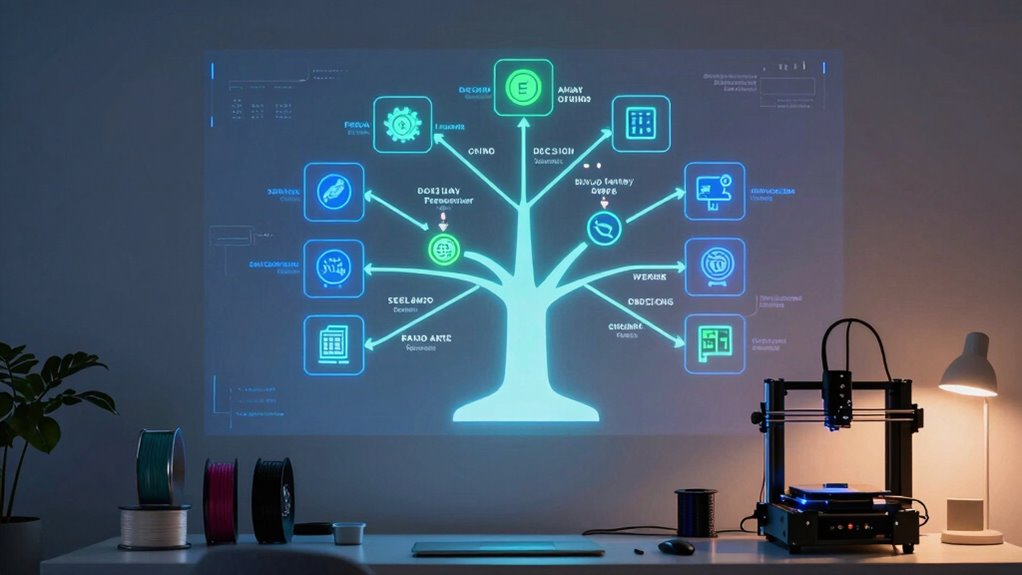
To avoid weeks of frustration, use a decision tree that guides you in choosing a 3D printer based on filament compatibility, temperature range, and software support. Focus on models that support various filament types like PLA, ABS, PETG, and TPU, ensuring versatility for future projects. Check that the printer’s temperature range matches your intended materials, and confirm software compatibility for smooth operation. Keep exploring these factors, and you’ll find the perfect fit more quickly.
Key Takeaways
- Prioritize printers with broad filament compatibility to allow experimentation with materials like PLA, ABS, PETG, and TPU.
- Choose models with a flexible temperature range to prevent extrusion issues and support diverse filament types.
- Ensure software supports multiple filament profiles for easier operation and advanced printing features.
- Consider market options that offer reliable support, upgradability, and compatibility to adapt to evolving project needs.
- Focus on printers with proven versatility to avoid future upgrades and reduce trial-and-error, saving time and resources.
Are you overwhelmed by the variety of 3D printers available and unsure which one best suits your needs? You’re not alone. The market offers a range of models, each with different features, making it challenging to choose the right one. To make an informed decision, you need to understand how specific factors influence your experience. One of the first considerations should be filament compatibility. Different printers support different types of filament—PLA, ABS, PETG, TPU, and more. If you plan to experiment with various materials, confirm the printer you choose can handle them. Some models are limited to a few filament types, which could restrict your creative options. Compatibility isn’t just about the filament; it also involves the extruder’s temperature range and the software’s ability to process different filament profiles. Ignoring this can lead to frustration, as you’ll find yourself unable to print with certain materials or facing inconsistent results. It’s also important to consider material compatibility to ensure your printer can adapt to your evolving project needs. Additionally, understanding the temperature range of a printer helps prevent issues with filament melting or under-extrusion, ensuring smoother prints. Checking for filament versatility can also help you select a printer that remains useful as your skills and project complexity grow. Being aware of filament support can further assist in choosing a model that aligns with your future creative pursuits. Furthermore, considering software compatibility ensures your printer’s operation remains straightforward as you explore more advanced features.

SUNLU PLA 3D Printer Filament PLA Filament 1.75mm, Neatly Wound 3D Printing Filament 1.75mm, Dimensional Accuracy +/- 0.02 mm, Fit Most FDM 3D Printers, 1kg Spool (2.2lbs), Black
①【SUNLU PLA 3D Printer Filament】PLA material is the perfect choice for 3D printing enthusiasts! SUNLU PLA filament is…
As an affiliate, we earn on qualifying purchases.
As an affiliate, we earn on qualifying purchases.
Frequently Asked Questions
How Often Should I Calibrate My 3D Printer?
You should calibrate your 3D printer whenever you change materials, as different filaments may require adjustments for *ideal* results. Additionally, calibrate regularly if you notice issues like poor adhesion or uneven layers, especially when adjusting print speed. Frequent calibration ensures your printer maintains accuracy, regardless of material selection or print speed changes. This proactive approach prevents defects and saves you time by avoiding extensive reprints later.
What Is the Average Cost of Maintenance?
While maintenance costs can vary, you should budget around $100 to $200 annually for routine upkeep. This includes replacing filament compatibility parts and ensuring ideal print bed adhesion. Regularly checking and cleaning components helps prevent costly repairs and keeps your printer running smoothly. Investing in quality filament and maintaining a clean, level print bed are key to reducing unexpected expenses and achieving consistent, high-quality prints.
Can I Upgrade My Existing 3D Printer Later?
Yes, you can upgrade your existing 3D printer later, but you should consider upgrade options and future modifications before buying. Check if your printer supports hardware upgrades like better extruders, heated beds, or improved cooling systems. Some models are more upgrade-friendly, making it easier to enhance performance down the line. Planning for future modifications guarantees your printer remains versatile and meets evolving project needs without needing a complete replacement.
What Safety Precautions Are Necessary During Printing?
You must prioritize safety during printing—ignoring it risks serious harm. Always wear safety gear like goggles and gloves, especially when handling hot components or filaments. Store filament properly in sealed containers to prevent fumes and spills. Keep your workspace well-ventilated, and never leave the printer unattended. These precautions protect you from burns, fumes, and accidents, ensuring a safe, smooth printing experience every time you press start.
How Do I Troubleshoot Common Printing Errors?
When troubleshooting common printing errors, start by checking filament selection to guarantee you’re using the right type and quality. Next, verify print bed leveling since an uneven bed causes print failures. If prints aren’t sticking or layers are shifting, recalibrate the bed. Also, examine your extruder for clogs and adjust temperature settings. These steps often resolve issues quickly and improve your overall print success.

FLASHFORGE AD5X Multi-Color 3D Printer, CoreXY 600mm/s High-Speed, 1-Click Auto Leveling, 300°C Direct Drive Extruder, 220x220x220mm Build Volume, Ideal for Precision and Efficiency
Vivid Multi-Color Printing: Bring your creations to life with vibrant, multi-color prints. This printer supports up to 4…
As an affiliate, we earn on qualifying purchases.
As an affiliate, we earn on qualifying purchases.
Conclusion
By following this decision tree, you’ll avoid rushing into a purchase you’ll regret and save yourself weeks of frustration. Think of it as your trusty compass guiding you through the maze of options, helping you make a choice that fits your needs perfectly. Remember, haste makes waste—so take your time, weigh your options, and choose wisely. In the end, patience pays off, and you’ll be printing with confidence in no time.

FLASHFORGE Adventurer 5M 3D Printer with Fully Auto Leveling, Max 600mm/s High Speed Printing, 280°C Direct Extruder with 3S Detachable Nozzle, CoreXY All Metal Structure, Print Size 220x220x220mm
One-Click Automatic Printing: Experience hassle-free 3D printing with the Adventurer 5M Series. Enjoy automatic bed leveling for flawless…
As an affiliate, we earn on qualifying purchases.
As an affiliate, we earn on qualifying purchases.
FLASHFORGE Adventurer 5M 3D Printer with Fully Auto Leveling, Max 600mm/s High Speed Printing, 280°C Direct Extruder with 3S Detachable Nozzle, CoreXY All Metal Structure, Print Size 220x220x220mm
One-Click Automatic Printing: Experience hassle-free 3D printing with the Adventurer 5M Series. Enjoy automatic bed leveling for flawless…
As an affiliate, we earn on qualifying purchases.
As an affiliate, we earn on qualifying purchases.