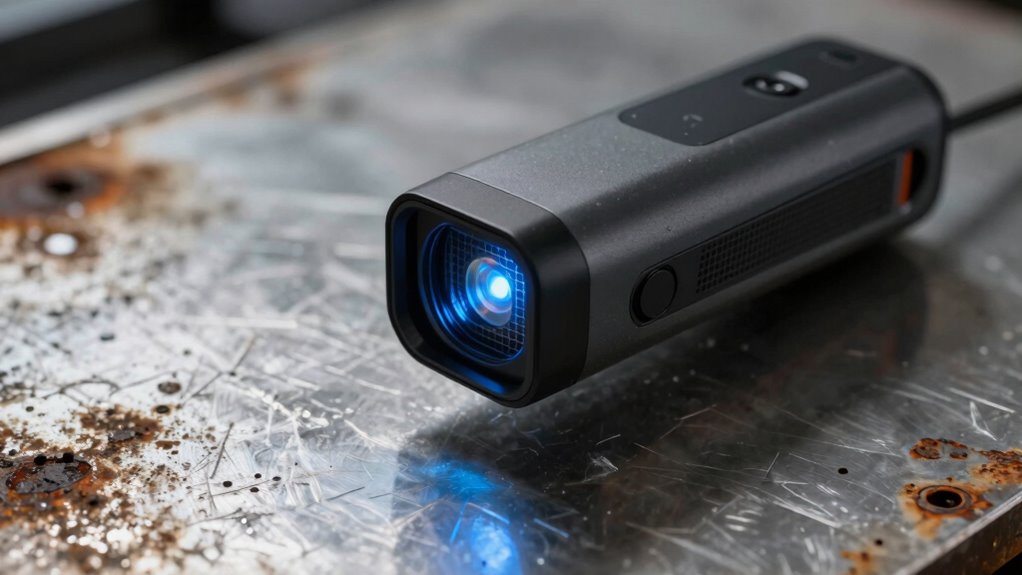

You might think 3D scanners are amazing, but tricky surface textures can cause problems. Shiny, reflective, or complex surfaces bounce laser beams unpredictably, leading to distorted or incomplete data. Proper calibration and surface treatments, like matte coatings, can help improve results. Advanced software routines are also designed to handle these challenges. If you want to discover how to overcome these issues for better scans, keep exploring the techniques that make your digital captures more accurate.

Get the latest gadgets delivered free with Prime
- Fast, free delivery on millions of items
- Prime Video, Amazon Music and more included
- Member-only deals all year
Key Takeaways
- Surface textures like shine or reflectivity can cause inaccuracies in 3D scan data.
- Proper calibration of the scanner’s laser system improves results on challenging surfaces.
- Applying matte coatings or adjusting scanner settings helps reduce reflection issues.
- Specialized routines and software can enhance scan quality for reflective or complex textures.
- Understanding surface properties guides better preparation, leading to more accurate 3D captures.
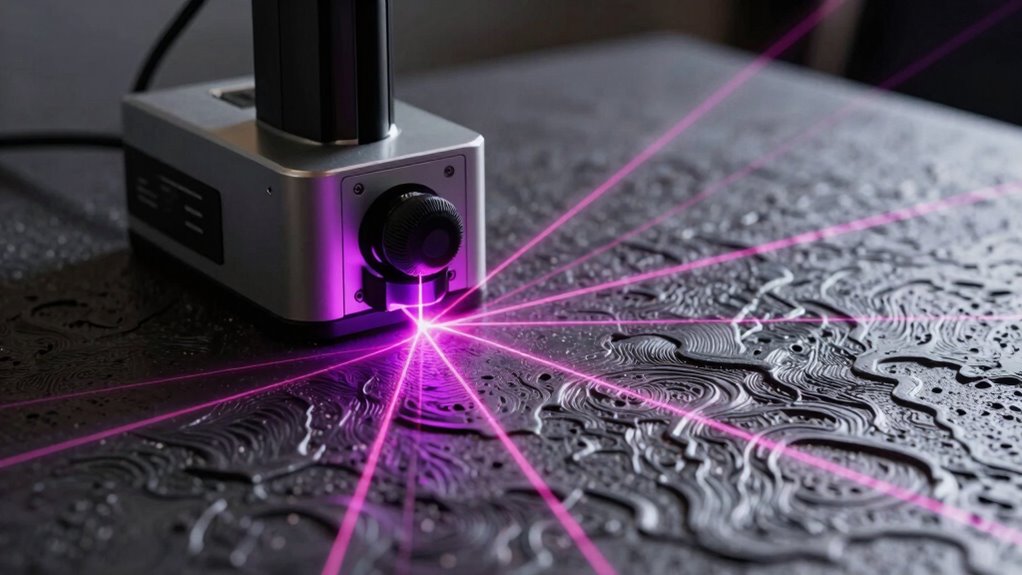
3D scanners have revolutionized the way we analyze and replicate surface textures, offering detailed digital representations of physical objects. But as impressive as they are, surface texture issues can quickly turn what feels like magic into frustration. When scanning complex or shiny surfaces, you might notice the data becomes distorted or incomplete. This often happens because of how the scanner interacts with reflective surfaces, which can bounce laser beams unpredictably. To combat this, laser calibration becomes vital. Proper calibration ensures your scanner’s laser emits consistent, accurate readings, reducing errors caused by surface reflectivity or misalignment. Without it, even the most advanced scanner struggles to capture precise details on glossy or metallic objects.
When you scan reflective surfaces, you’re likely to encounter unexpected artifacts, missing data, or noisy point clouds. This is because reflected laser light can scatter in many directions, confusing the scanner’s sensors and resulting in inaccurate or incomplete 3D models. Regular laser calibration helps to fine-tune the device, but additional tricks can make a difference. Applying a matte spray or coating on shiny objects can minimize reflections, allowing the laser to capture surface details more reliably. Alternatively, adjusting the scanner’s settings—like exposure or laser power—can improve results. However, these solutions only go so far if your system isn’t properly calibrated. Ensuring your scanner is calibrated correctly also helps in achieving consistent results, especially when working with different materials.
You might also find that some scanners have specific routines or software designed to handle reflective surfaces better. These often include calibration procedures that account for the unique challenges posed by different materials. When you perform laser calibration, you’re essentially aligning the scanner’s laser source and sensors to optimize their interaction with various surfaces. This process reduces the impact of reflective surfaces on your scans and yields cleaner, more accurate point clouds. It’s a vital step, especially if you regularly work with shiny, polished, or metallic objects. Understanding surface texture is essential for achieving high-quality scans, as different materials can behave very differently under laser light. Recognizing the importance of scanner calibration can significantly improve your results and reduce post-processing time.
Furthermore, being aware of how surface properties influence laser reflection can help you select the best approach for each object. When you take these steps, the process becomes smoother, and the digital representations closer to reality—no more weird distortions or missing details. Instead, you get a seamless, accurate capture that truly showcases the surface texture’s complexity.
As an affiliate, we earn on qualifying purchases.
Frequently Asked Questions
Can 3D Scanners Work Underwater?
Yes, 3D scanners can work underwater, but you need specialized equipment. Underwater calibration adjusts the scanner for the aquatic environment, ensuring accuracy. Submerged lighting is essential because water absorbs and scatters light, making surface details harder to capture. You should use waterproof scanners with appropriate lighting and calibration to get clear, precise 3D models underwater. Regular equipment won’t work well without these adjustments, so choose tools designed for underwater use.
How Long Does a Typical 3D Scan Take?
A typical 3D scan takes anywhere from a few seconds to several minutes, depending on the complexity. Material reflectivity can slow down the process or cause inaccuracies, so you may need to modify scanner calibration accordingly. If the surface is highly reflective or textured, expect longer scan times and potential post-processing. Proper calibration guarantees the scanner captures details accurately, especially when surface textures are tricky.
Are Handheld Scanners as Accurate as Stationary Ones?
Handheld scanners generally aren’t as precise as stationary ones because stationary scanners benefit from greater stability, ensuring better accuracy. While handheld devices offer excellent portability and quick scans, their precision can fluctuate due to movement and surface texture issues. If you need high accuracy for detailed or complex objects, stationary scanners are preferable. However, for quick, on-the-go scans, handheld scanners provide decent results with good enough precision for many applications.
What Are the Best Surface Textures for Scanning?
Think of surface textures as the stage for your 3D scanner’s performance. Matte finishes with low reflectivity give you the clearest, most accurate scans, like a smooth dance floor. Avoid shiny, reflective surfaces and intricate surface irregularities that can confuse the scanner, turning your process into a tangled web. For ideal results, choose materials with consistent, non-reflective textures, ensuring your scanner captures every detail with precision and grace.
How Do Environmental Factors Affect Scanning Quality?
Environmental factors like surface reflectivity and ambient lighting directly impact your scanning quality. High reflectivity surfaces, such as shiny metals, can cause inaccurate data due to glare, while low reflectivity surfaces may not reflect enough light for accurate capture. Additionally, poor ambient lighting or harsh shadows can distort results. To improve scans, control lighting conditions and consider applying a matte coating to reflective surfaces for clearer, more precise results.
As an affiliate, we earn on qualifying purchases.
Conclusion
Just like a painter’s brush can struggle with tricky textures, 3D scanners stumble when surface details get weird. But don’t worry—this isn’t the end of the story. With advances in technology, these tools are evolving to see through the rough patches and capture even the trickiest surfaces. Think of it as turning a cloudy day into a clear sky—you just need the right gear to bring the details into focus and reveal the true shape beneath.
As an affiliate, we earn on qualifying purchases.
reflective surface 3D scanning software
As an affiliate, we earn on qualifying purchases.
As an affiliate, we earn on qualifying purchases.
Halloween Picks
halloween
As an affiliate, we earn on qualifying purchases.