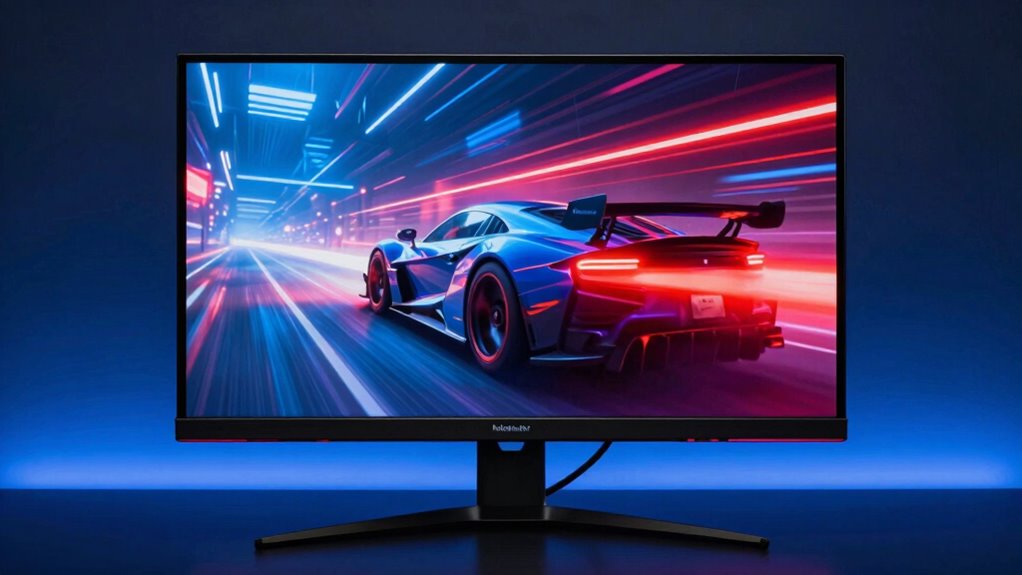

To make a gaming monitor feel fast beyond just refresh rate, focus on low response times and minimal visual latency. Quick pixel updates and reduced signal delay ensure your actions are reflected instantly on-screen, giving you a more responsive experience. Optimized internal processing, like low-latency modes, also helps cut down delays and ghosting effects. When these factors work together, your gameplay feels snappy and natural. Keep exploring to find out how to get the most out of your gaming setup.

Get the latest gadgets delivered free with Prime
- Fast, free delivery on millions of items
- Prime Video, Amazon Music and more included
- Member-only deals all year
Key Takeaways
- Low response time minimizes motion blur and ghosting, creating sharper fast-moving images.
- Reduced visual latency ensures near-instantaneous on-screen reactions to input.
- Internal and image processing settings, like low-latency modes, decrease input lag.
- High-quality materials and optimized components enhance overall responsiveness.
- A balanced combination of high refresh rate, response time, and latency delivers a more immediate gaming feel.
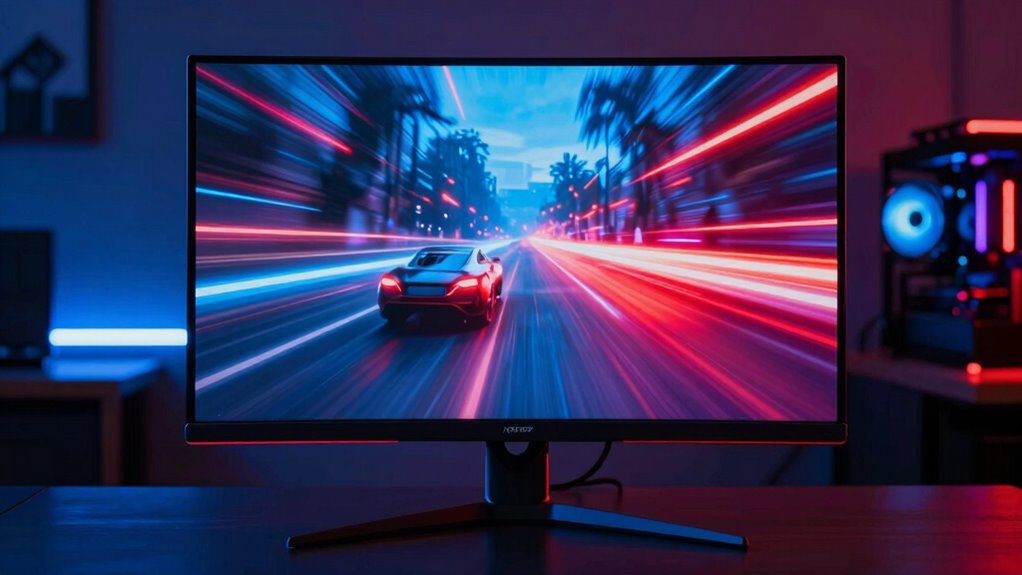
When it comes to gaming monitors, feeling fast isn’t just about high frame rates—it’s about how quickly the display responds and updates to your actions. While a high refresh rate, like 144Hz or 240Hz, certainly helps, it’s not the only factor that influences how fast a game feels. Your gut feeling of speed largely depends on the monitor’s response time and visual latency. Response time measures how quickly a pixel can change from one color to another, typically from gray to gray. The lower this number, the faster your display reacts, reducing motion blur and ghosting effects that can make fast-moving objects appear smeared or confusing. When response time is slow, even a monitor with a high refresh rate can feel sluggish because the image lags behind your inputs, creating a disconnect between your actions and what you see. Additionally, response time technology plays a role in optimizing how quickly pixels can update, further enhancing perceived speed. Improving internal processing speed within the monitor can also significantly reduce input lag, making gameplay feel more immediate. Visual latency, on the other hand, refers to the delay between your input and the corresponding change on the screen. It involves not just response time but also the time it takes for signal processing within the monitor. A monitor with minimized visual latency ensures that the image on the screen updates nearly instantaneously after you press a button or move a control. It’s crucial for competitive gaming where every millisecond counts. This near-real-time feedback makes gameplay feel more responsive and fluid, giving you a competitive edge in fast-paced scenarios. When visual latency is high, you might notice a slight but crucial delay, which can be the difference between a split-second victory and a frustrating loss. It’s also worth considering how the monitor’s internal processing affects response time and latency. Some displays include additional image processing to enhance picture quality, but these features can introduce input lag, making the monitor feel less responsive. A good gaming monitor strikes a balance—delivering sharp visuals with minimal processing delay. Features like low-latency modes or gaming-specific settings can help reduce this lag, ensuring your actions translate to on-screen movements almost instantly. Additionally, choosing a monitor with high-quality materials, like those in vetted luxury displays, can improve durability and maintain consistent performance over time. Ensuring that the monitor’s internal components are optimized for low processing delay can further enhance responsiveness. Optimizing these internal components often involves selecting displays with low-latency technology, which is crucial for fast-paced gaming. In summary, feeling fast in gaming isn’t only about cranking up the refresh rate. It’s about minimizing visual latency and response time, so your inputs are reflected on the screen with minimal delay. When these elements are optimized, your gameplay feels more immediate and natural, giving you the confidence to react swiftly and precisely. If you want that seamless, lightning-fast experience, look beyond just high refresh rates and pay attention to response time and how the monitor handles visual latency. These factors play a crucial role in making your gaming feel truly responsive and fluid.
gaming monitor low response time
As an affiliate, we earn on qualifying purchases.
As an affiliate, we earn on qualifying purchases.
Frequently Asked Questions
How Does Input Lag Affect Gaming Speed Perception?
Input lag directly impacts how fast you perceive your gaming actions. When input lag is low, your commands translate instantly on-screen, making gameplay feel swift and responsive. Factors like color accuracy and ergonomic design can enhance your overall experience but don’t replace the importance of minimal input lag. To perceive gaming speed better, choose a monitor with low input lag, ensuring your reactions feel immediate and your gameplay remains immersive and precise.
What Role Does Response Time Play in Perceived Performance?
Response time plays a vital role in perceived performance by reducing motion blur and ghosting, making fast-moving visuals clearer. When response times are low, your monitor swiftly updates pixels, enhancing the smoothness of gameplay. While color accuracy and contrast ratio are more about visual quality, a quick response time ensures that rapid movements feel more immediate and fluid, giving you a competitive edge and a more immersive gaming experience.
Does Screen Size Influence the Feeling of Speed?
Think of your screen size as a race track: larger screens can make movements feel slower because your eyes need to track more space, impacting visual perception. Conversely, smaller screens keep actions tight and quick, enhancing your sense of speed. So, yes, screen size influences how fast a game feels—smaller screens often feel more responsive, making every move sharper and more immediate, boosting your overall gaming experience.
How Do Motion Blur Reduction Features Impact Gameplay Experience?
Motion blur reduction features profoundly improve your gameplay experience by enhancing visual clarity during fast movements. They reduce flicker, making quick on-screen actions appear smoother and clearer, so you can react faster and stay more immersed. By minimizing blur and flicker, these features help you track fast-moving objects more accurately, giving you a competitive edge and making gameplay feel more fluid and responsive.
Can Software Settings Improve the Monitor’s Responsiveness?
Yes, adjusting software settings can improve your monitor’s responsiveness. By fine-tuning color calibration, you guarantee clearer visuals, making fast movements easier to track. Additionally, optimizing audio synchronization can enhance your overall gaming experience, reducing lag between sound and visuals. These tweaks help your monitor feel more responsive, allowing for quicker reactions and a more immersive, seamless gameplay experience.
high refresh rate gaming monitor
As an affiliate, we earn on qualifying purchases.
As an affiliate, we earn on qualifying purchases.
Conclusion
Think of a gaming monitor like a sports car—you might have the fastest engine (high refresh rate), but smooth handling (low latency and quick response time) makes all the difference. When these elements come together, your gaming experience becomes a blur of speed and precision, making every move feel effortless. So, don’t just chase numbers; focus on how your monitor responds—because in the race of gaming, feeling fast matters just as much as being fast.
As an affiliate, we earn on qualifying purchases.
As an affiliate, we earn on qualifying purchases.
Halloween Picks
halloween
As an affiliate, we earn on qualifying purchases.