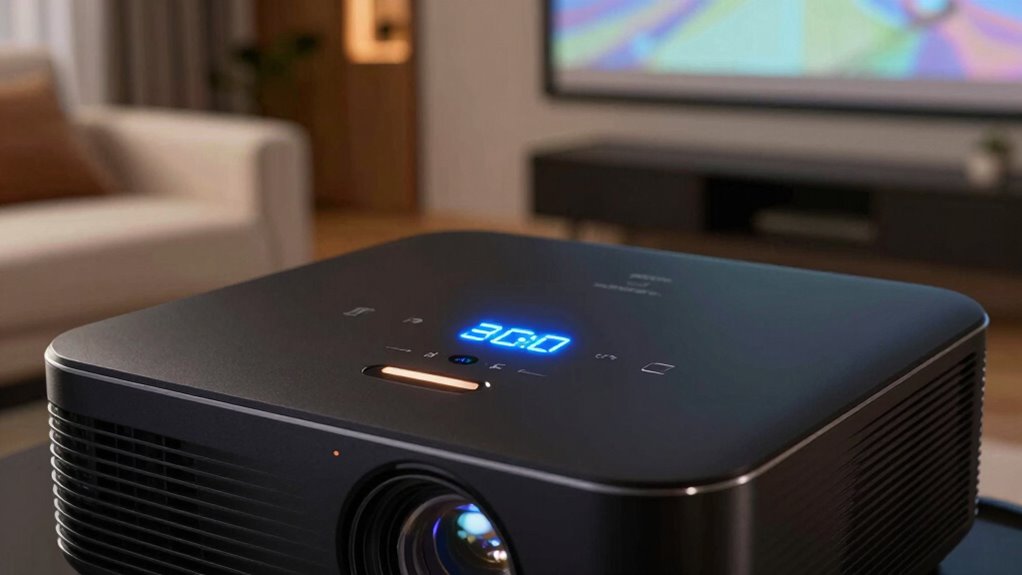

The brightness number that often misleads shoppers is the lumen rating, which measures only light output. Many assume higher lumens mean a better picture, but that’s not always true. Other factors like color accuracy, contrast, and setup matter just as much—sometimes more. A projector with fewer lumens can still produce vibrant images when properly calibrated and used in the right environment. Keep exploring to discover how to make the best choice for your space.

Get the latest gadgets delivered free with Prime
- Fast, free delivery on millions of items
- Prime Video, Amazon Music and more included
- Member-only deals all year
Key Takeaways
- High lumens do not guarantee better image quality; other factors like color accuracy and contrast are equally important.
- Brightness ratings can be misleading if ambient lighting isn’t considered in the viewing environment.
- Manufacturers may inflate lumens to appeal to consumers, but real-world performance depends on setup and room conditions.
- Proper projector placement and calibration are crucial to achieving optimal brightness and image clarity.
- A lower-lumen projector with good color and contrast can outperform a higher-lumen model in real-world use.
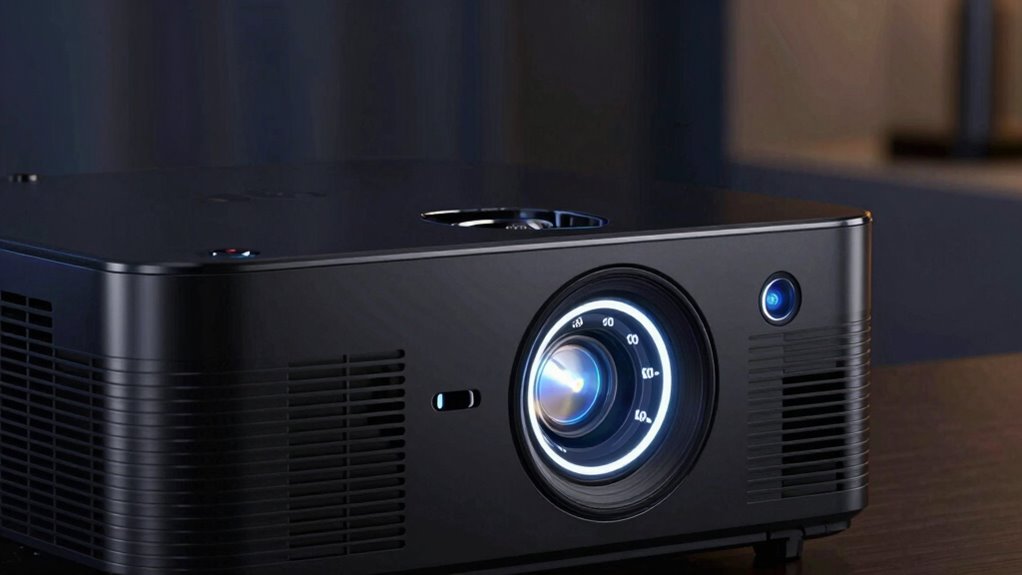
When shopping for a projector, you might notice a number labeled “brightness” or “lumens” that seems to promise a clear, vibrant picture. It’s tempting to think that higher lumens mean a better display, but that’s not always the case. Lumens measure the amount of light the projector emits, but they don’t tell the whole story about picture quality. Many shoppers assume that more lumens automatically translate to brighter images, even in less-than-ideal conditions. That’s where misunderstanding can happen, especially when it comes to factors like color accuracy and installation. color accuracy plays an essential role in how your projected image appears. A projector with high lumens but poor color reproduction can look washed out or unnatural, diminishing overall image quality. You might end up with a picture that’s bright but lacking in depth or vibrancy. When selecting a projector, don’t just chase the highest lumen count; pay attention to how well it reproduces colors. Look for reviews or specifications that mention color accuracy, especially if you’ll be watching movies or displaying images where true colors matter. Adjusting the projector’s settings during installation can also improve color fidelity, so don’t be afraid to fine-tune your setup. Proper placement and setup are crucial for optimizing brightness and image quality. Proper placement ensures you maximize brightness without sacrificing clarity or color. For example, mounting your projector at the correct distance from the screen minimizes image distortion and maintains ideal brightness levels. Keep in mind that ambient light can wash out even the brightest projectors, so controlling room lighting is critical. Using blackout curtains or dimming lights can make a significant difference, allowing you to enjoy vibrant, detailed images even in less-than-dark rooms. Additionally, choosing the right screen surface can enhance color accuracy and contrast, making the image pop more vividly. Beyond just the lumens, paying attention to the projector’s specs—like contrast ratio, resolution, and color processing technology—helps you achieve a more accurate and visually appealing picture. When you understand these factors and follow proper installation tips, you’ll find that a projector with a seemingly modest lumen rating can deliver stunning, vibrant images with rich colors and excellent clarity. Remember, the brightest projector isn’t always the best; it’s about how well it balances brightness with color accuracy and your room’s setup. By considering these elements, you’ll avoid being misled by lumen numbers and find the right projector for your needs. Additionally, understanding the lighting environment of your room is crucial for selecting a projector that performs well under your specific conditions. Knowing how ambient light levels impact projection quality can help you choose a model that performs optimally in your space.
Products Worth Considering

LG 34GX90SA-W 34-inch Ultragear WQHD OLED Curved Gaming Monitor

DJI Osmo Mobile 8 Phone Gimbal with Mic Mini Transmitter, Infinity Black

Apple iPad Air 11-inch (M2), 512GB, Wi-Fi, Space Gray
As an affiliate, we earn on qualifying purchases.
Frequently Asked Questions
How Does Projector Brightness Affect Picture Quality in Different Rooms?
You’ll notice that higher projector brightness improves picture quality in bright rooms by enhancing color accuracy and clarity, making images sharper and more vibrant. In darker rooms, lower brightness can suffice, but if you choose too low, colors may appear dull. Brightness doesn’t directly affect sound quality, but a well-lit room combined with a bright projector can create a better viewing experience overall, especially when audio complements the visuals perfectly.
Are Higher Brightness Numbers Always Better for Home Theaters?
Bright brightness isn’t always better, especially for home theaters. You should prioritize a high contrast ratio and color accuracy over sheer lumens. A projector with overly high brightness can wash out details, dull colors, and reduce contrast, making your viewing less vibrant. Instead, focus on a balanced brightness that complements your room size and lighting conditions, ensuring crisp contrast and true-to-life colors for an immersive experience.
What Other Factors Should I Consider Besides Brightness When Choosing a Projector?
When choosing a projector, you should consider more than just brightness. Look at color accuracy to guarantee vibrant, true-to-life images. Also, check noise levels; a quieter projector enhances your viewing experience without distraction. These factors greatly impact picture quality and comfort, so don’t rely solely on brightness numbers. Prioritize models that balance brightness with excellent color rendering and low noise for the best home theater setup.
How Is Projector Brightness Measured and Standardized?
Projector brightness is measured in lumens, but it’s not just about the number. As you consider color accuracy and throw distance, understand that brightness standards vary. Manufacturers often use different testing methods, making comparisons tricky. To truly gauge a projector’s performance, look for standardized tests like ANSI lumens. This gives you a clearer picture, helping you find a model that delivers vivid images even in challenging lighting conditions.
Does Ambient Light Impact the Effectiveness of a Projector’s Brightness?
Yes, ambient light greatly impacts your projector’s effectiveness. When there’s more ambient light, your projector’s brightness, even if high, can struggle to produce a clear image. Proper projector placement helps minimize ambient light interference, such as positioning the projector away from windows or bright lights. Adjusting your setup to control ambient light levels ensures you get the best picture quality, making your projector more effective in various lighting conditions.
Conclusion
Next time you’re shopping for a projector, remember that brightness numbers can be misleading—what looks impressive might not suit your needs. Did you know that over 60% of buyers regret their purchase because they relied solely on lumens? Don’t fall into that trap. Instead, consider your room size and ambient light. By understanding the real meaning behind brightness ratings, you’ll make smarter choices and enjoy a better viewing experience every time.