TL;DR
A local-first workflow can instantly generate a full media kit from a single video, including a one-sheet, images, social content, and more. It speeds up publishing, keeps your data private, and reduces manual work—no cloud needed.
Imagine this: you finish a video, and within minutes, you have a ready-to-go media kit—one that includes a sleek one-sheet, eye-catching images, social media posts, and even a press-ready description. No cloud uploads, no waiting for external servers. Just your content, your control.
This isn’t some distant future. It’s what local-first, AI-assisted publishing tools now promise—turning a single source into a full marketing package, fast and private. Whether you’re an indie author, a small publisher, or a content creator, this approach cuts manual labor and keeps your work safely on your own machine. Want to see how? Let’s dive into the nuts and bolts.
Key Takeaways
- A full media or author kit—titles, images, social posts—can be generated from just one video using AI, saving hours of manual work.
- Local-first workflows preserve your privacy, giving you total control over your assets without relying on cloud servers.
- Speed is a major advantage: assets are drafted, reviewed, and ready to publish in minutes, not hours.
- Choosing tools that process everything locally, with detailed provenance tracking, helps ensure quality and trust.
- This approach is perfect for indie creators, journalists, and publishers who need fast, private, and scalable content packaging.
![MixPad Free Multitrack Recording Studio and Music Mixing Software [Download]](https://m.media-amazon.com/images/I/71ltIxIuz1L._SL500_.jpg)
MixPad Free Multitrack Recording Studio and Music Mixing Software [Download]
Create a mix using audio, music and voice tracks and recordings.
As an affiliate, we earn on qualifying purchases.
As an affiliate, we earn on qualifying purchases.
What’s really inside a publishing kit, and why it matters
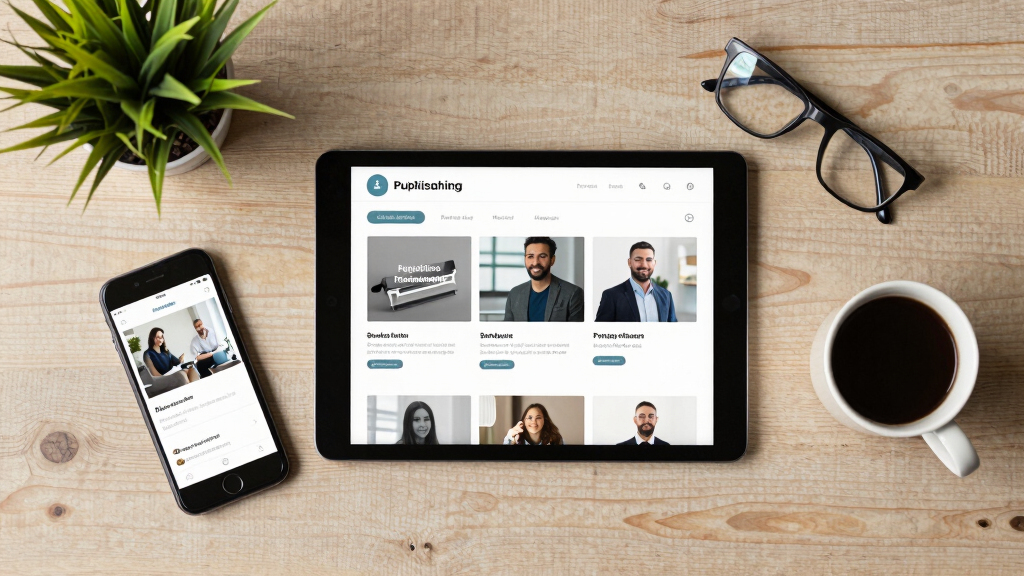
A publishing kit is more than just a collection of images and a bio. It’s a curated package that makes it easy for media outlets, reviewers, and fans to showcase your work. Think of it as your digital press kit—complete with a one-sheet, high-res cover art, author photos in multiple sizes, and a compelling description.
Each element in a media kit plays a strategic role in shaping your public image and facilitating promotion. The one-sheet serves as a quick reference, encapsulating your brand or work’s essence at a glance, making it easier for journalists or bloggers to feature you without digging through multiple files. High-resolution images ensure your visuals remain sharp across various media, from print to web, maintaining professionalism. Multiple-sized author photos accommodate diverse platforms, from social media avatars to website banners, ensuring consistency. The description provides context, narrative, and key selling points that can be reused in pitches, press releases, or social posts.
Understanding why each element matters helps you craft a comprehensive kit that not only looks professional but also maximizes your promotional impact. Omitting or poorly preparing these components can lead to missed opportunities or inconsistent branding. A well-assembled kit streamlines outreach efforts and presents you as a serious, prepared creator or publisher, ultimately saving time and reducing last-minute scrambling during campaigns or media inquiries.


WEN 4,750-Watt 120V/240V Dual Fuel Portable Generator with Wheel Kit and Electric Start (DF475T)
Switch between gasoline (4750 surge watts, 3800 running watt) and propane (4350 surge, 3500 running) with the simple…
As an affiliate, we earn on qualifying purchases.
As an affiliate, we earn on qualifying purchases.
How one video turns into a full publishing package—step by step
Turning a single video into a media kit isn’t magic—it’s a process that AI tools are now streamlining. Here are the four key steps, with a real-world example: For more insights, see how to build a media kit without relying on the cloud.
- Drop or link your video: Upload your latest YouTube video or paste its URL into the tool. For instance, a cooking YouTuber uploads a new recipe video.
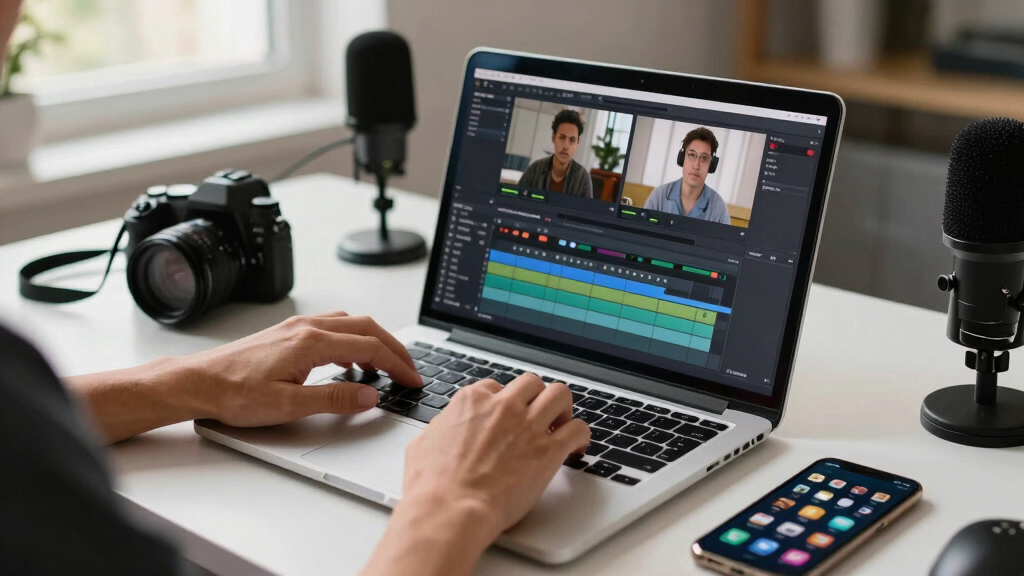
- Understand and analyze: The tool transcribes, detects scene changes, reads on-screen text, and fuses visual and audio data. This multi-layered analysis is crucial because it allows the AI to identify the most relevant and engaging moments, generate accurate descriptions, and create visual assets that truly reflect the content. The quality of this analysis directly impacts the relevance and professionalism of the final assets. If the AI misses key highlights or misinterprets scenes, the resulting media kit may lack focus or appear unpolished, which can diminish your promotional effectiveness. Therefore, understanding the depth of analysis helps you appreciate the importance of choosing advanced tools that balance speed with accuracy, ensuring your assets truly represent your content’s strengths.
- Review and customize: You see the draft assets—title options, descriptions, clip selections, thumbnails—and tweak as needed. You might choose the thumbnail showing the dish’s final plating or edit the description for a specific audience.
- Publish and distribute: The package is ready. You send it to your social media, email list, or media contacts—all from within the same system, without uploading to the cloud.
Check out the full workflow on ChannelHelm, which demonstrates how this process works seamlessly without cloud reliance.
high-resolution author photos for media kit
As an affiliate, we earn on qualifying purchases.
As an affiliate, we earn on qualifying purchases.
Why avoiding the cloud boosts your privacy and control
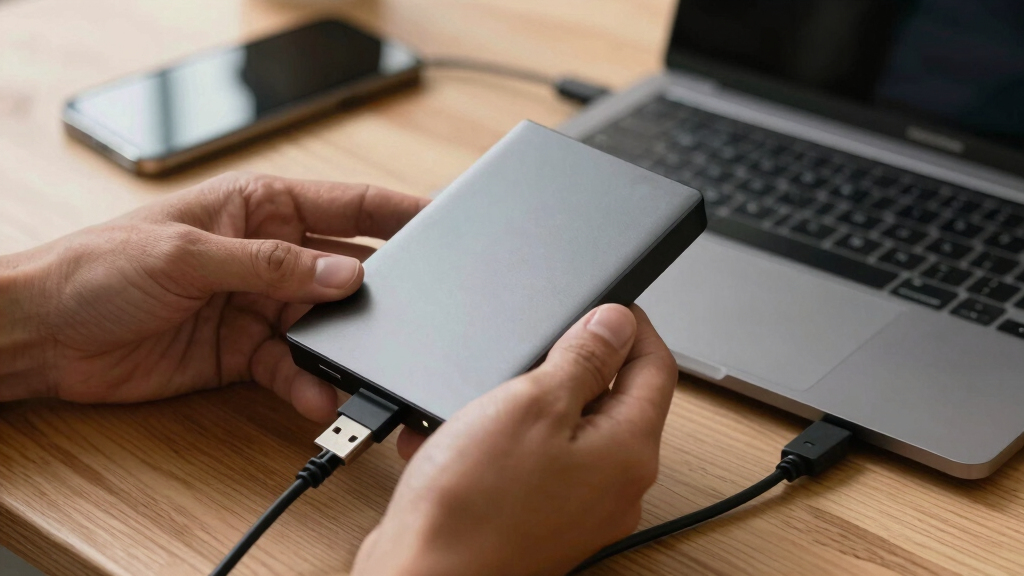
Processing media locally might sound limiting, but it’s a game-changer for privacy and security. When your work stays on your machine, you control every byte. No third parties, no data leaks, no waiting for uploads or external servers. Learn more about assistive technology solutions that emphasize privacy and control.
Imagine you’re a journalist working on sensitive topics. Using a cloud-based tool might expose your drafts and assets to potential breaches. With a local-first setup, your content remains private, and you decide when and how to share. This control is especially vital when handling confidential or proprietary information, as it minimizes the risk of accidental leaks or hacking. The implications extend beyond security—local processing also means you’re not dependent on internet stability, allowing you to work uninterrupted even in low-connectivity environments. This autonomy fosters a more resilient and flexible workflow, empowering creators to focus on content quality rather than technical limitations. Ultimately, local-first workflows help you maintain full ownership and trust over your assets, reducing reliance on third-party servers that may have vulnerabilities or data retention policies incompatible with your needs.
Research from gadgetfee.com indicates that privacy concerns are the top reason creators prefer local tools over cloud services, especially when handling proprietary or sensitive content.
ePhotoInc New Digital 9" x 12" Swing Away Digital Heat Press Machine Transfer Sublimation T-Shirt Press EPH10BU
As an affiliate, we earn on qualifying purchases.
As an affiliate, we earn on qualifying purchases.
Comparing cloud-based tools versus local-first publishing workflows
| Feature | Cloud-Based Tools | Local-First Workflow |
|---|---|---|
| Data Privacy | Dependent on third-party servers; risk of breaches | All data stays on your machine; maximum control |
| Speed | Dependent on internet speed; can be slow during uploads | Fast, local processing; instant access |
| Collaboration | Great for team editing, version control | Limited unless paired with local network sharing |
| Offline Access | Not possible | Always available; work offline easily |
| Security | Vulnerable if breach occurs | Secure, as everything remains on your device |
For example, a fiction author working on a confidential manuscript benefits from a local-first publishing workflow because their drafts remain private, even if their internet connection drops or a cloud service is compromised. This control over sensitive data is critical in maintaining confidentiality and trust, especially when dealing with proprietary content or legal documents. The ability to work offline ensures that your progress isn’t hindered by connectivity issues, making your workflow more resilient and dependable. Moreover, local workflows reduce the attack surface for cyber threats, as your data isn’t stored on vulnerable external servers, thereby strengthening your overall security posture.
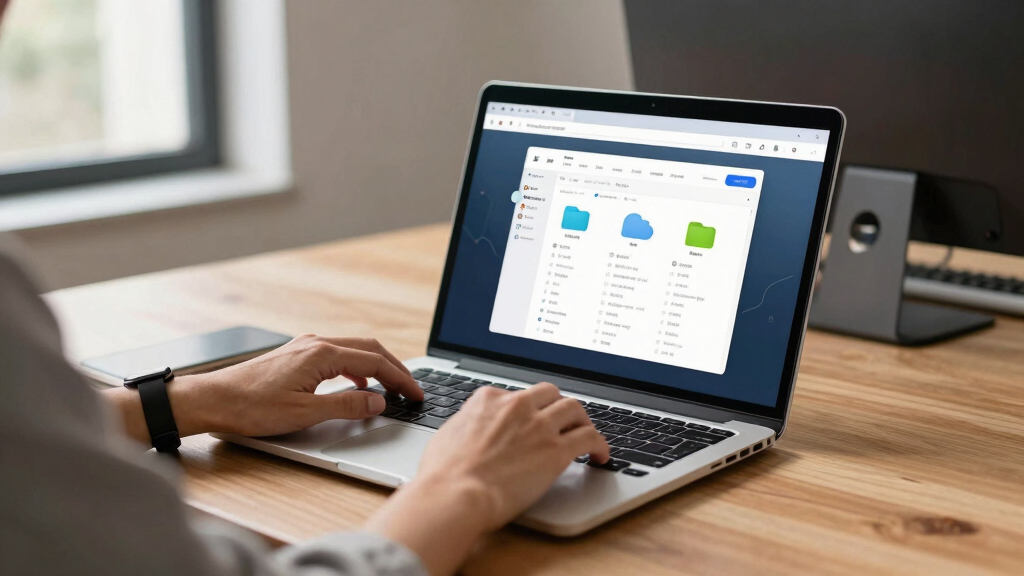
Real-world case: From video to media kit in under 10 minutes
Meet Sarah, a small publisher launching a new author’s podcast. She records a 20-minute episode, then feeds it into her local publishing tool. Within minutes, she has a set of assets ready: a catchy title, a one-sheet, social snippets, and teaser clips—all crafted without uploading anything to the cloud.
Sarah reviews her assets in the dedicated studio interface, makes a few tweaks, and hits ‘publish.’ The entire process took less than 10 minutes, saving her hours of manual editing and formatting. Meanwhile, her sensitive data stayed on her own device. This rapid turnaround illustrates how local workflows not only expedite publishing but also ensure that sensitive information remains protected from potential breaches or leaks, which is especially crucial for confidential projects or proprietary content. The speed and privacy benefits empower creators to respond quickly to opportunities without compromising security.
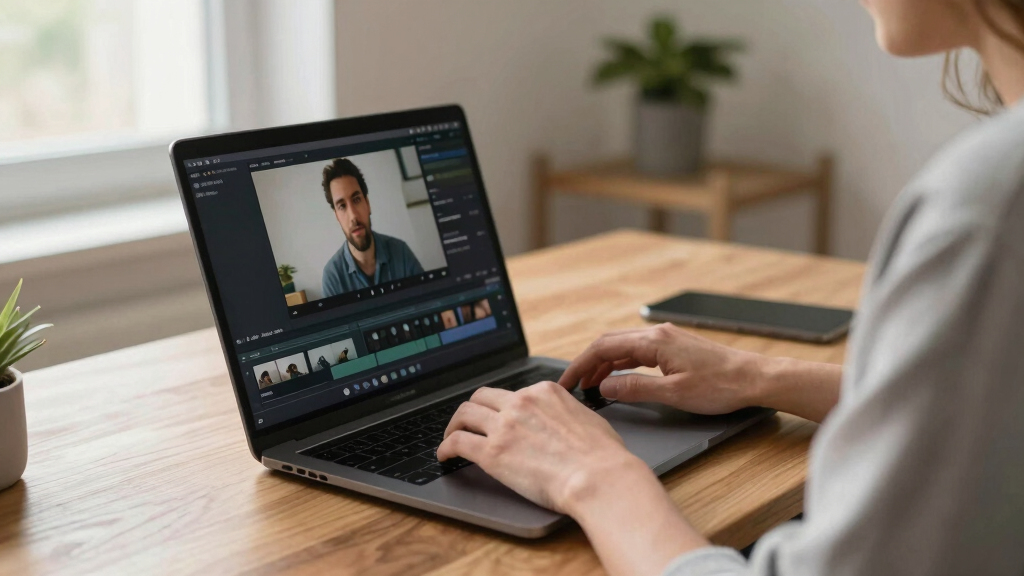
What to look for in a local publishing tool
When choosing a local-first tool, focus on a few key features. First, it should process all assets internally—no external uploads. Second, it needs to analyze your video on multiple layers: transcript, visuals, and on-screen text. Third, it should generate a complete set of assets—titles, descriptions, images, snippets—ready for distribution. This comprehensive analysis ensures that the assets produced are accurate, relevant, and of high quality, which directly impacts your promotional effectiveness. The ability to analyze multiple facets of your content allows the tool to create assets that truly reflect the nuances of your work, reducing the need for manual editing and increasing reliability. Additionally, understanding the depth of analysis helps you select tools that balance speed with precision, ensuring your media kit is both professional and tailored to your audience’s needs. This thorough approach minimizes post-generation adjustments and maximizes the impact of your promotional materials.
Look for tools like [ChannelHelm](https://channelhelm.com/), which offer multi-platform publishing, detailed provenance tracking, and a user-friendly review interface. These features make it easier to verify every asset’s origin and quality before hitting publish.
Finally, ensure it supports your preferred formats—PDFs, high-res images, social media-ready clips—so you can use your media kit across platforms seamlessly.
Frequently Asked Questions
What exactly is included in a publishing kit generated from one video?
A publishing kit typically includes a catchy title, a detailed description with chapters, social media snippets, thumbnails, a one-sheet, and resized images for various platforms. It’s designed to give you everything you need to promote your content quickly and professionally.
Yes, it’s versatile. Authors can use it for book launches, publishers for media outreach, and marketers for campaign assets. The key benefit is rapid asset creation from a single source, saving time and ensuring brand consistency.
Can I edit the generated assets before publishing?
Absolutely. The system provides an intuitive review interface where you can tweak titles, descriptions, images, and snippets before approval. It’s designed to be flexible so you stay in control.
Does processing happen locally, and what does ‘without the cloud’ mean?
Yes, all analysis and asset generation happen on your device. ‘Without the cloud’ means your videos and data stay on your machine—no external servers or uploads required—enhancing privacy and control.
What file formats are supported for export?
The system supports common formats like PDF for media kits, high-resolution images (JPEG, PNG), video clips (MP4), and social media-ready snippets, making multi-platform sharing easy.
Conclusion
Turning one video into a complete publishing kit without the cloud isn’t just a neat trick—it’s a smarter way to work. You gain speed, control, and privacy all at once. Your content, your rules.
As media creation evolves, staying local-first means you keep your work safe, your workflow smooth, and your audience engaged. Ready to give it a try? Your next media kit is waiting—on your machine, not somewhere in the cloud.