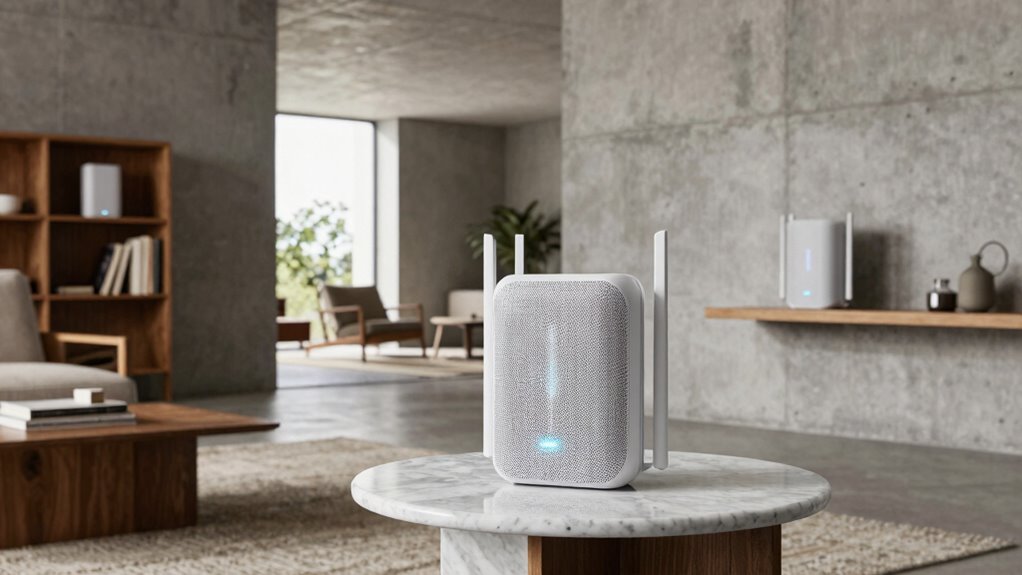
Your mesh WiFi works well in some homes because of factors like proper node placement, minimal obstructions, and fewer interference sources. Thick walls, metal fixtures, or large open spaces can weaken the signal and hinder coverage. Additionally, outdated devices or incompatible equipment can cause slowdowns. Regularly optimizing your network setup and understanding environmental influences can dramatically improve performance. Keep exploring to discover how to maximize your mesh WiFi’s potential in your home.
Key Takeaways
- Proper node placement minimizes interference and maximizes coverage, enhancing mesh WiFi performance.
- Environmental factors like thick walls, furniture, and electronic devices can weaken signals.
- Compatibility issues and outdated firmware may reduce network efficiency in some homes.
- Electromagnetic interference from nearby devices can cause signal degradation.
- Large or obstructed layouts require strategic positioning for optimal mesh network functionality.
Mesh WiFi has become a popular solution for expanding home networks, but it doesn’t work equally well everywhere. While some households enjoy seamless internet connectivity throughout their space, others struggle with dead zones or inconsistent speeds. One key factor influencing this difference is signal interference. In many homes, walls, furniture, appliances, and even electronic devices can disrupt the mesh network’s signals, weakening the connection or causing interruptions. If your home has thick walls or a lot of metal fixtures, your mesh system might battle to maintain a strong signal in every corner. The placement of your nodes also plays an essential role. If they’re too close together, they might create overlapping signals, leading to interference; too far apart, and the network might struggle to communicate effectively. To optimize performance, you need to find a balance that minimizes interference and maximizes coverage. Additionally, device compatibility is another vital factor that determines how well your mesh WiFi system works. Not all devices work equally well with every mesh network, especially if some are outdated or use different WiFi standards. Older gadgets might not support the latest protocols, resulting in slower speeds or frequent disconnects. Similarly, if you have smart home devices, security cameras, or gaming consoles that aren’t compatible with your mesh system, you’ll experience performance issues or connectivity gaps. Ensuring your devices support the same WiFi standards—such as WiFi 5 or WiFi 6—can greatly improve overall network stability. Sometimes, compatibility issues stem from firmware mismatches or outdated software, so keeping your devices updated is essential. Beyond interference and compatibility, the layout of your home can make a big difference. Large open spaces are easier to cover, while multi-story homes or those with numerous obstructions require strategic placement of nodes. If your mesh system isn’t configured correctly, you might find certain areas remain poorly connected, no matter how powerful your hardware is. Additionally, other electronics operating on similar frequencies can cause interference, making your network sluggish or unreliable. Being aware of radio frequency interference and how it impacts your network can help you take targeted steps to improve performance. Understanding environmental factors, such as nearby sources of electromagnetic interference, can further degrade your signal quality. Regularly assessing your environment and understanding the interference sources can help you take proactive measures to enhance your WiFi coverage. To get the most out of your mesh WiFi, you should regularly assess your environment, adjust node placement, and update device firmware. When you address these factors—reducing interference and ensuring device compatibility—you’ll notice a marked improvement in your network’s performance, bringing reliable WiFi to every corner of your home.

TP-Link Deco X55 AX3000 WiFi 6 Mesh System – Covers up to 6500 Sq.Ft, Replaces Wireless Router and Extender, 3 Gigabit Ports per Unit, Supports Ethernet Backhaul, Deco X55(3-Pack)
Wi-Fi 6 Mesh Wi-Fi – Next-gen Wi-Fi 6 AX3000 whole home mesh system to eliminate weak Wi-Fi for…
As an affiliate, we earn on qualifying purchases.
As an affiliate, we earn on qualifying purchases.
Frequently Asked Questions
How Does Household Size Affect Mesh Wifi Performance?
Your household size directly impacts mesh WiFi performance because larger households often have higher device density, which can strain the network. As more devices connect, the WiFi struggles to maintain speed and stability. To optimize, you might need additional nodes or better placement. Smaller households with fewer devices typically experience smoother connectivity since the network isn’t overwhelmed by device density, ensuring better overall performance.
Can Mesh Wifi Improve Coverage for Smart Home Devices?
Did you know over 60% of smart home devices face connectivity issues? Mesh WiFi can boost coverage by creating a seamless network, enhancing smart device compatibility. It reduces dead zones and guarantees your devices stay connected. Plus, mesh networks improve security by offering centralized management and updates. So, if you want reliable smart home performance, investing in a mesh WiFi system is a smart move to keep all your devices connected securely.
Does the Number of Mesh Nodes Impact Internet Speed?
Yes, the number of mesh nodes impacts your internet speed. Adding more nodes can improve coverage, but it may also introduce bandwidth limitations, especially if your network isn’t designed to handle multiple connections. Signal interference from walls or other devices can further slow speeds. To optimize, place nodes strategically and avoid overcrowding your network, ensuring each device gets enough bandwidth for smooth performance.
Are There Specific Building Materials That Hinder Mesh Wifi?
Yes, certain building materials like thick concrete, brick, metal, and dense stone cause building interference and signal absorption, which can hinder your mesh WiFi. These materials block or weaken the wireless signals, reducing coverage and speed. To improve performance, position your mesh nodes away from these materials, use additional nodes to bypass interference, or consider alternative placement options to guarantee a stronger, more reliable connection throughout your home.
How Does Network Congestion Influence Mesh Wifi Reliability?
Network congestion can considerably impact your mesh WiFi’s reliability by causing interference issues and slowing down bandwidth management. When multiple devices connect and stream simultaneously, they compete for limited bandwidth, leading to lag and dropped signals. This congestion creates interference issues, making your mesh network less effective. To improve performance, limit device usage during peak times and optimize your WiFi channels to reduce interference and guarantee smoother connectivity.
TP-Link Deco X55 AX3000 WiFi 6 Mesh System – Covers up to 6500 Sq.Ft, Replaces Wireless Router and Extender, 3 Gigabit Ports per Unit, Supports Ethernet Backhaul, Deco X55(3-Pack)
Wi-Fi 6 Mesh Wi-Fi – Next-gen Wi-Fi 6 AX3000 whole home mesh system to eliminate weak Wi-Fi for…
As an affiliate, we earn on qualifying purchases.
As an affiliate, we earn on qualifying purchases.
Conclusion
So, next time your mesh WiFi isn’t performing as expected, ask yourself—are you truly optimizing your setup? Sometimes, it’s about understanding your home’s unique layout and making small adjustments. Don’t settle for weak signals or dead zones; you deserve a reliable connection everywhere you go. Isn’t it worth taking a few steps to guarantee seamless internet for your home? After all, a strong WiFi should empower, not frustrate.
TP-Link Deco X55 AX3000 WiFi 6 Mesh System – Covers up to 6500 Sq.Ft, Replaces Wireless Router and Extender, 3 Gigabit Ports per Unit, Supports Ethernet Backhaul, Deco X55(3-Pack)
Wi-Fi 6 Mesh Wi-Fi – Next-gen Wi-Fi 6 AX3000 whole home mesh system to eliminate weak Wi-Fi for…
As an affiliate, we earn on qualifying purchases.
As an affiliate, we earn on qualifying purchases.

EMF Blocker for Cell Phones Stickers Neutralize Shield Protection cased and Electronic Devices WiFi 5G Tablets Laptops Computers (6 Pcs Sliver)-XH-carpet
[Protective Phone & Device Stickers] You will receive 6 pcs stickers, which can be safely applied to cell…
As an affiliate, we earn on qualifying purchases.
As an affiliate, we earn on qualifying purchases.